Starting a business often comes with a long list of expenses. There may be products to buy, services to prepare, a website to build and customers to reach. Hiring a designer for a logo may feel like another cost that can wait. AI logo generators have made it easier for entrepreneurs to explore designs without beginning with a blank page or paying for a full custom project immediately. By describing a business and selecting a preferred style, users can generate concepts that help them imagine how their brand might look.
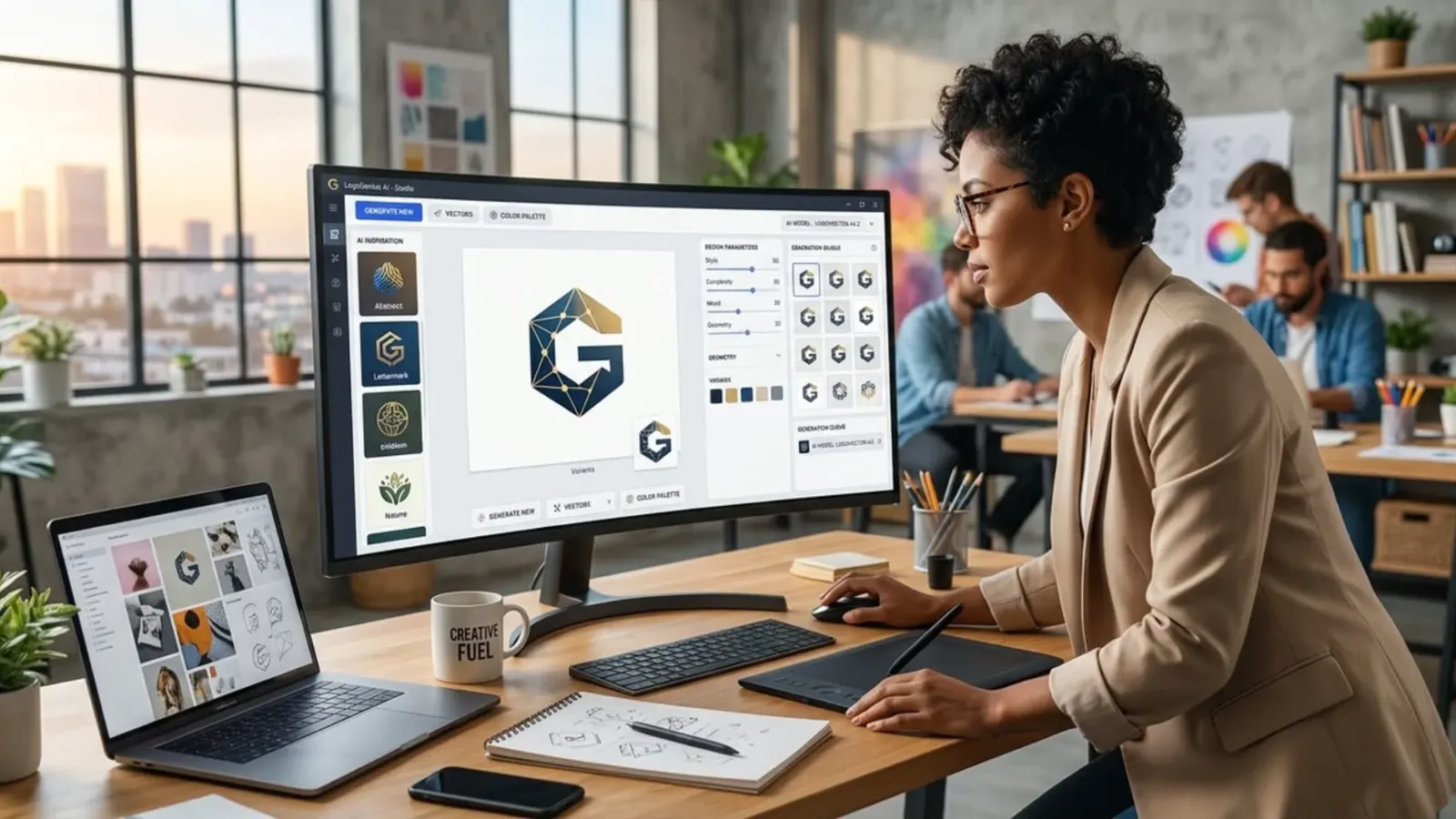
The process is usually straightforward. A user enters the business name, chooses a sector or style and provides instructions about colours, symbols and the overall appearance.
Depending on the tool, the system may produce several options featuring different layouts, fonts and icons. Some platforms allow users to adjust the colours, spacing or other elements, while others provide a finished image with limited editing.
This can be useful for entrepreneurs who need an initial visual direction or want to compare ideas before committing to a design.
For a new business, the main advantage is speed. Instead of spending days trying to sketch ideas, the owner can quickly see several possible directions.
A home-based catering service might explore designs that communicate warmth and food, while a technology startup might look for a cleaner, more modern appearance.
These concepts can help the owner decide what feels suitable for the business and prepare a more detailed brief if professional design work is needed later.
However, generating a logo does not automatically mean the result is professional. AI tools can produce designs that look attractive at first glance but contain awkward lettering, unbalanced layouts or symbols that do not clearly communicate the business.
Some designs may look similar to those generated for other users, especially when people enter the same broad instructions.
An image may also contain details that are difficult to reproduce on small screens, embroidered clothing or printed packaging. A logo needs to work in real situations, not just look good in the preview.
A strong logo should fit the identity of the business. It should be appropriate for the intended audience, easy to recognise and flexible enough to appear across different platforms.
A business that sells children’s products may need a different visual approach from a law firm or financial service. Before generating concepts, the owner should consider what the business stands for, how it wants customers to feel and what makes its offer different.
Clear instructions based on these answers are more useful than simply asking an AI tool to create something beautiful.
The business should also examine the practical files it receives. A logo used only as a small image on social media may not be sufficient for every future need. The owner may require a transparent background, different colour versions, high-resolution files or vector formats that can be resized without losing quality.
Some AI tools produce only raster images, while others provide editable or vector outputs. Businesses should check the available formats before paying for a service, particularly if they expect to use the logo for large signs, uniforms or packaging.
Commercial rights and originality deserve special attention. The terms of AI tools differ, so users should check whether their plan permits commercial use and what restrictions apply.
They should also consider whether generated elements resemble existing logos or protected brand assets.
A generated design does not automatically mean that a business has exclusive rights to it or that it can be registered as a trademark.
For a brand that will be central to a company’s long-term plans, appropriate searches and legal advice may be worthwhile before investing heavily in the identity.
A useful approach is to treat AI as a design assistant rather than a complete substitute for decision-making.
Start by defining the business identity, generate a few concepts and select the strongest direction.
Review the result at different sizes and on different backgrounds, then refine the typography, spacing, colours and shapes.
Ask whether customers can read the business name easily and whether the design is distinctive enough to recognise. If the available tool cannot make the necessary changes, a designer may be able to refine the concept into a more usable identity.
Auxi Sherpa helps businesses explore digital tools and AI solutions that support their growth, including ways to simplify creative work.
An entrepreneur considering an AI logo generator should compare the tool’s features, editing options, export formats and commercial terms before choosing one. It is also sensible to compare the time and cost of refining an AI concept with the cost of hiring a designer.
The aim is not merely to create a logo quickly, but to produce an identity that the business can use confidently.
So, can AI create a professional business logo? Yes, it can help produce useful concepts and, with the right tools and careful review, may provide a suitable logo for some businesses.
But the outcome depends on the quality of the design, the available editing options and whether the final result meets the business’s practical and legal needs. AI can make logo creation more accessible, while human judgement remains important for choosing a design that genuinely represents the brand.
See you at the top
Auxi Sherpa